

A tracking link is a normal event or convention link with a campaign code on it. Share the coded link and TopDeck.gg counts the page views and the registrations that came from it.
Open Tracking Links under Growth in the organizer workspace.
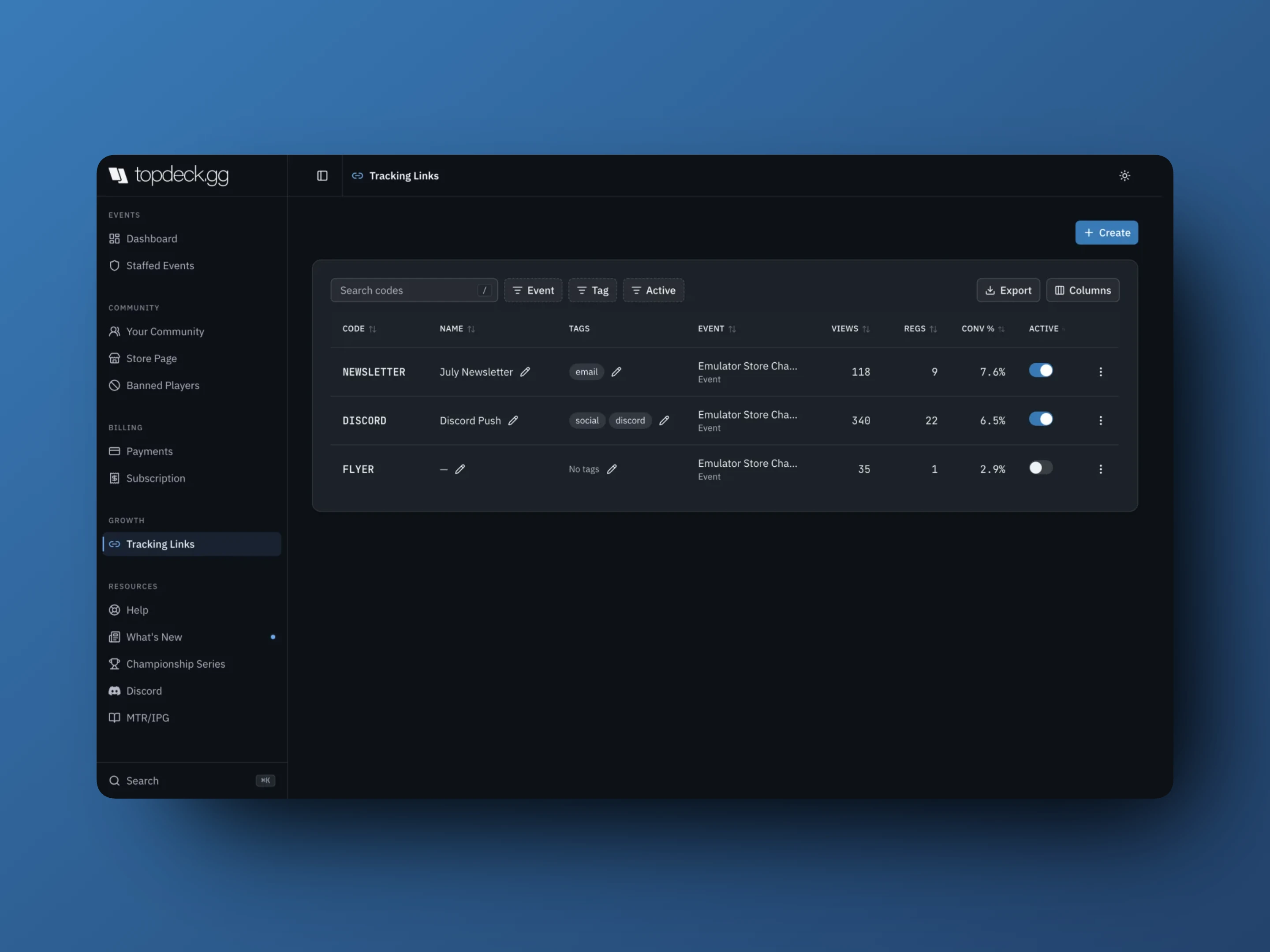
Create a code
- Select Create.
- Choose the Event or convention.
- Enter a Tracking code using letters, numbers, hyphens, and underscores, e.g.
SUMMER25. - Add a Name and Tags (both optional).
- Create, then Copy link.
The code is the identifier that rides in the URL. The Name is for you, like July newsletter or Discord push, and Tags are the reusable grouping: channel, partner, city, season. A code has to be unique per event, so the same DISCORD code can exist on every event you run.
Share it
A row's ⋮ menu holds:
- Copy link
- QR code shows it or downloads it for print, table tents, and flyers
- Delete
The event's ordinary Share menu carries no attribution. If you want to know where sign-ups came from, share the tracking link instead.
Read the table
Columns are Code, Name, Tags, Event, Views, Regs, Conv %, Active, and created date.
Conv % is registrations divided by recorded page views. Read it as campaign attribution, not as a web analytics funnel: a player may visit three times from two channels and register once, and only the visit they arrived on carries the code.
A code with views and no registrations is telling you something. Usually the price, the date, or the event page, not the channel.
Pause instead of deleting
Turn Active off to retire a code without losing its history. An inactive code stops taking new attribution; its existing numbers stay in the table. Deleting removes the row and its counts.
Rename a code's Name and edit Tags inline. The code itself does not change, so links already in the wild keep working.
Filter and export
Search codes, and filter by Event, Tag, or Active. Columns changes what the table shows and Export downloads the current view for a report.
Where attribution shows up elsewhere
Registrations created through a tracking link carry the code into the event's Analytics (as Sources, with a count of untracked registrations) and into a convention's Registration acquisition. See Community and event analytics.